How to Select the Perfect Graphics Card for My Build
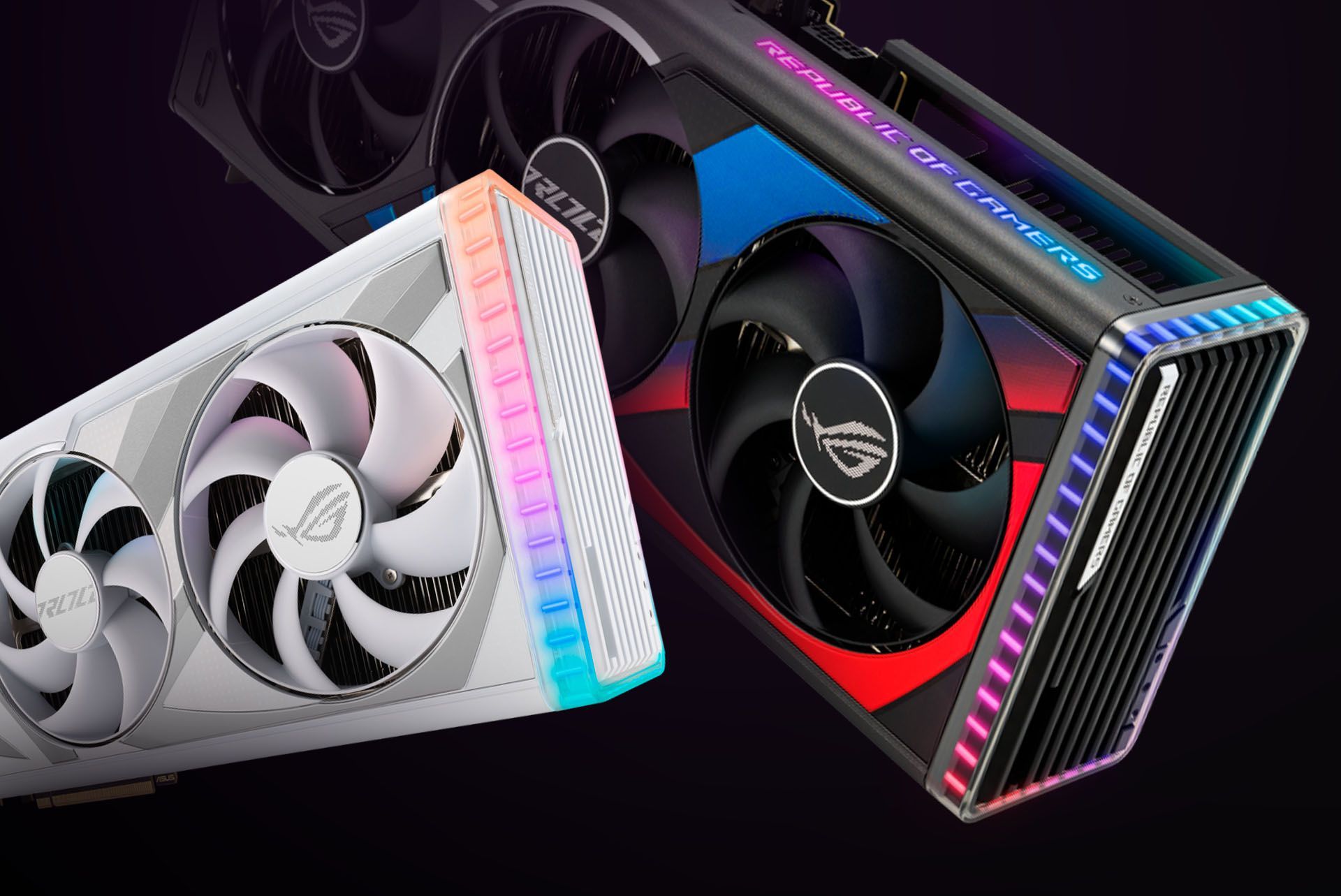
Choosing the right graphics card (GPU) for your PC can be overwhelming with so many options in the market. This detailed guide is designed to help you identify the perfect GPU for your build based on your specific needs, whether it's gaming, content creation, professional use, or casual use.
1. For Gaming
Gaming performance depends on the resolution, refresh rate, and the type of games you plan to play. Here’s a breakdown based on popular game titles and required GPUs (or above):
Casual/Esports Games (1080p, 60fps):
- Fortnite: GTX 1650 or above
- Valorant: GTX 1050 Ti or above
- CS:GO: GTX 1050 Ti or above
- League of Legends/Dota 2: GTX 1030 or above
AAA Titles:
- GTA V: GTX 1050 Ti or above for 1080p, RTX 2060 or above for 1440p, RTX 3060 Ti or above for 4K
- Cyberpunk 2077: RTX 3060 or above for 1080p, RTX 3070 or above for 1440p, RTX 4070 Ti or above for 4K with ray tracing
- Call of Duty: Warzone: GTX 1660 Ti or above for 1080p, RTX 3070 or above for 1440p, RTX 4080 for 4K
- The Witcher 3 (Next-Gen): RTX 3060 Ti or above for 1080p, RTX 3080 or above for 4K with ray tracing enabled
- Elden Ring: RTX 3060 Ti or above for 1080p, RTX 3070 or above for 4K
- Red Dead Redemption 2: RTX 3060 or above for 1080p, RTX 3070 or above for 1440p/4K
High-Refresh Rate and 4K Gaming:
- 240Hz Gaming at 1080p: RTX 3060 Ti or above
- 1440p at 144Hz: RTX 3070 or above
- 4K at 60Hz: RTX 3080 or above
- 4K at 144Hz: RTX 4090
VR Gaming:
- Oculus Quest 2 / HTC Vive: RTX 2060 or above
- Advanced VR Titles (Half-Life: Alyx): RTX 3060 Ti or above
2. For Content Creation
Content creation workloads demand GPUs optimized for rendering, video editing, and multitasking. Below are suggestions for popular software (or above):
Video Editing:
- 1080p Editing (Adobe Premiere Pro): GTX 1660 Super or above
- 4K Editing (Adobe Premiere Pro, DaVinci Resolve): RTX 2060 or above
- 8K Editing (DaVinci Resolve, Final Cut Pro): RTX 3080 Ti or RTX 3090
3D Rendering and Animation:
- Blender: RTX 3060 or above for beginners, RTX 4080 or RTX 4090 for complex simulations
- Maya/3ds Max: RTX 3070 or above for medium workloads, RTX 4090 or above for heavy scenes
- Cinema 4D: RTX 3060 Ti or above for motion graphics, RTX 4070 or above for particle simulations
Architectural Rendering:
- Lumion 9: GTX 1660 Ti or above
- Lumion 10: RTX 3060 or above
- Lumion 11: RTX 3070 or above
- Lumion 12 and Above: RTX 4070 Ti or above
Streaming and Encoding:
- 1080p Streaming (OBS): GTX 1660 Super or above
- 4K Streaming (OBS): RTX 3060 or above with NVENC encoder support
3. For Professional Workloads
CAD/Engineering Software:
- AutoCAD (2D): GTX 1650 or above
- AutoCAD (3D): RTX 3060 or above
- SolidWorks: RTX 3070 or above for larger assemblies
- Revit: RTX 3060 or above
AI and Machine Learning:
- TensorFlow/PyTorch (Basic Models): RTX 3060 or above
- Heavy AI Training: RTX 3090 or NVIDIA A100
Data Science and Visualization:
- Tableau/Power BI: GTX 1650 or above
- Scientific Simulations (ANSYS/COMSOL): RTX 3070 or above
Photogrammetry:
- RealityCapture/Agisoft Metashape: RTX 3070 Ti or above for faster processing of large datasets
4. Everyday Use
For casual tasks like browsing, office work, or watching videos, integrated graphics or entry-level GPUs will suffice:
- Intel UHD Graphics or AMD Radeon Vega
- GTX 1030 or GTX 1650
5. Tips for GPU Selection
Monitor Compatibility:
Match your GPU to your monitor’s resolution and refresh rate for the best experience:
- 1080p at 60Hz: GTX 1650 or above
- 1080p at 144Hz: RTX 3060 or above
- 1440p or 4K Gaming: RTX 3070 or above
Future-Proofing:
If possible, opt for a slightly more powerful GPU than you currently need to accommodate future software and game requirements.
By Chamathka De Silva